
Restrictions
Restrictions make it possible to centrally configure rules for and actions to take when selected API methods are invoked. As the name implies one of the usages of a restriction is to prohibit the use of an API but it that is just one of the actions to take. A restriction targets a selection of Manatee instances by a specified primary group and version.

Once you have selected the version you can begin to add restrictions. There are two kinds:
- an API restriction targets a module and a method, and applies when that method is invoked.
- a regex restriction targets the flow code itself: give it a regular expression, and it applies to every flow whose code matches. Tick invert match to make it apply to every flow that does not match instead — useful for requiring something rather than forbidding it.
Both kinds carry a list of actions to take. Restriction actions can be reordered and will be applied in the order given. The available actions are:
Deny
Simply deny access to the API. This will stop the flow once the API is invoked.
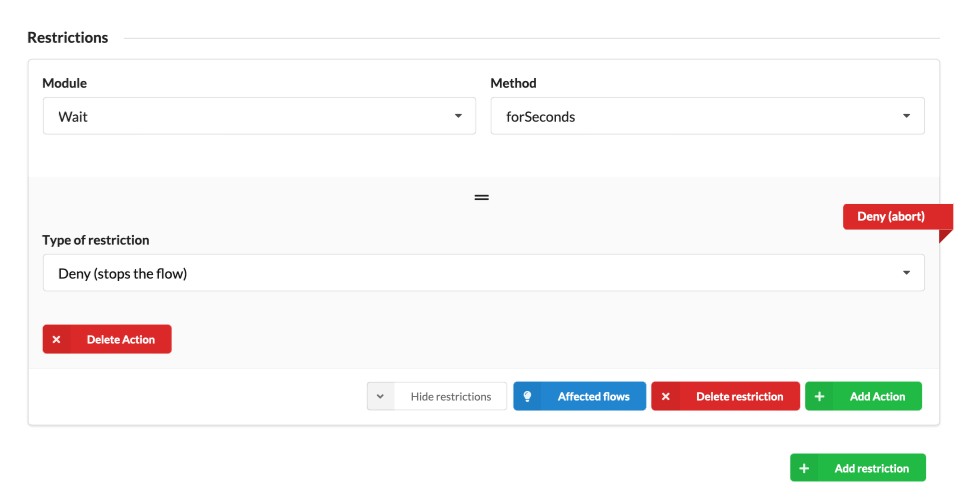
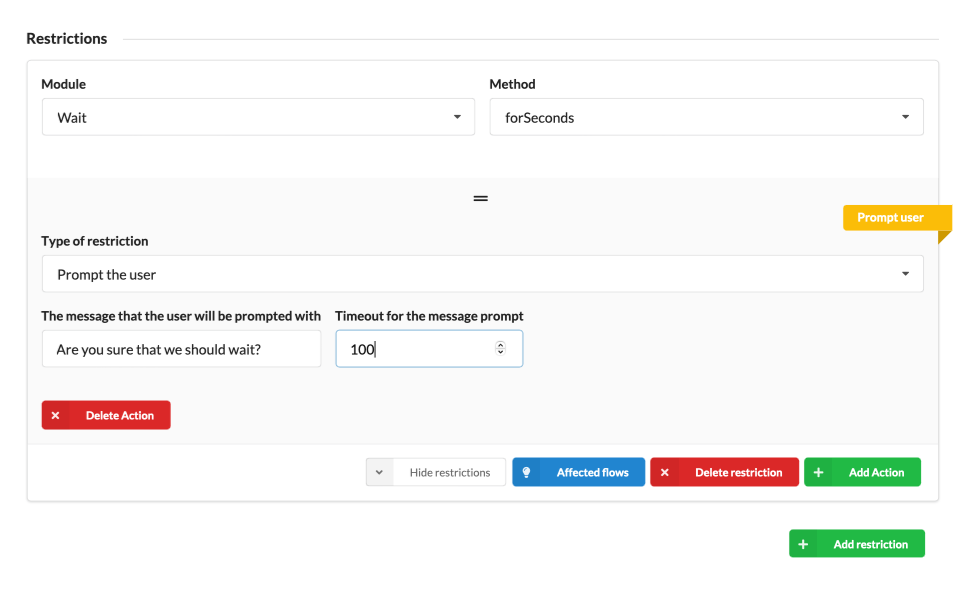
Prompt the user
Manatee will prompt the user who should allow/deny the invocation. If the user denies the invocation the flow is stopped.
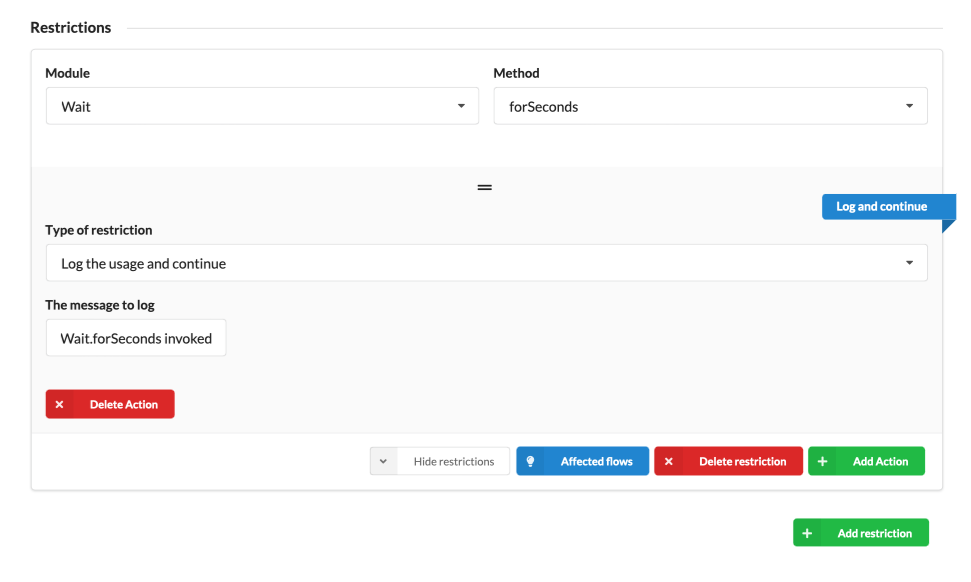
Log the invocation
Log an entry in the remote/local log with a given message. This can be e.g. used for statistical analysis in our Analytics product.
Indicate in code (lint)
Flag the invocation in the flow code editor rather than at run-time. You give a message and a severity — hint, info, warning or error — and the flow author sees it as a marker on the offending line while writing the flow. Show dialog before save additionally interrupts the author when they try to save.
This is the action to reach for when you want to steer flow authors away from an API without breaking the flows that already use it.
Allow
Explicitly permit the invocation. On its own this does nothing, since anything not restricted is already allowed; it exists for the deny-by-default mode described below.
Require ALLOW
Require ALLOW is a toggle on the restriction as a whole rather than an action. Turning it on denies every API invocation for the targeted group and version, and only the methods carrying an explicit allow action get through.
Check parameters
If you need more fine-grained control over when to perform a restriction you can use the check parameters restriction action. It is only offered for methods that actually take parameters.
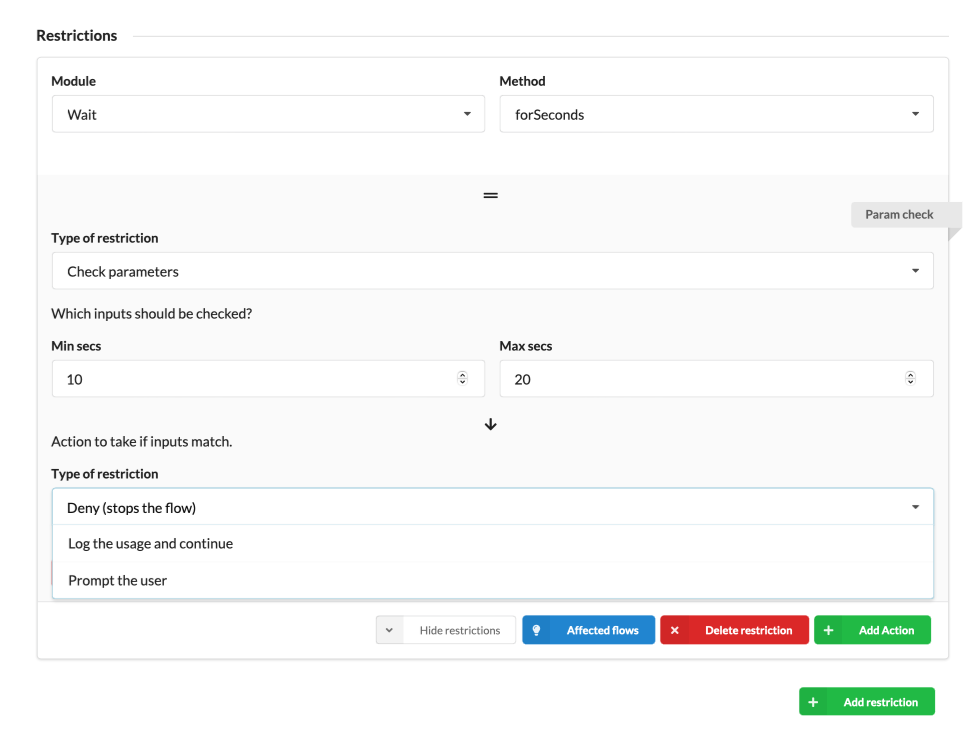
How each parameter is matched follows from its type: a string parameter takes a regular expression, an integer parameter a min/max range, and a boolean parameter an exact value. If the invocation is invoked with matching arguments then the configured action will be run. Any of the other actions can be nested here — deny, allow, log, prompt or lint — but not another check parameters.
Affected flows
If you click the Affected flows button you can get an overview of the impact of the restriction i.e. in which flows it is invoked. Note that we only match on module and method not on argument so all results shown are not necessarily affected if your restriction checks parameters.
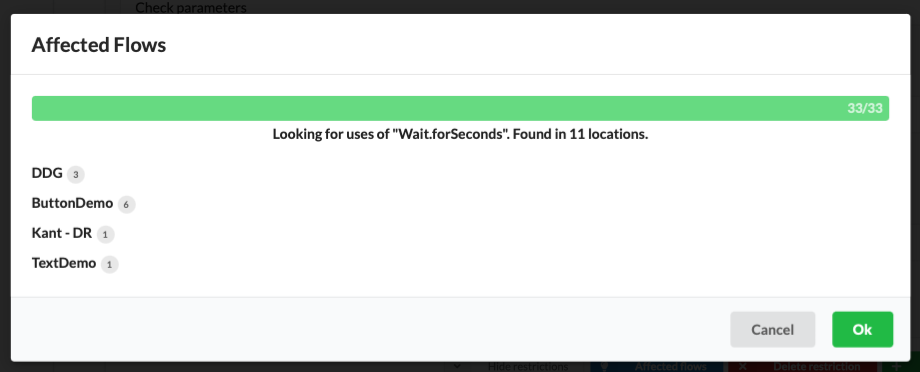
You can expand the results to show more information about each affected application and flow.