Landing page
After logging in you’ll see the landing page.
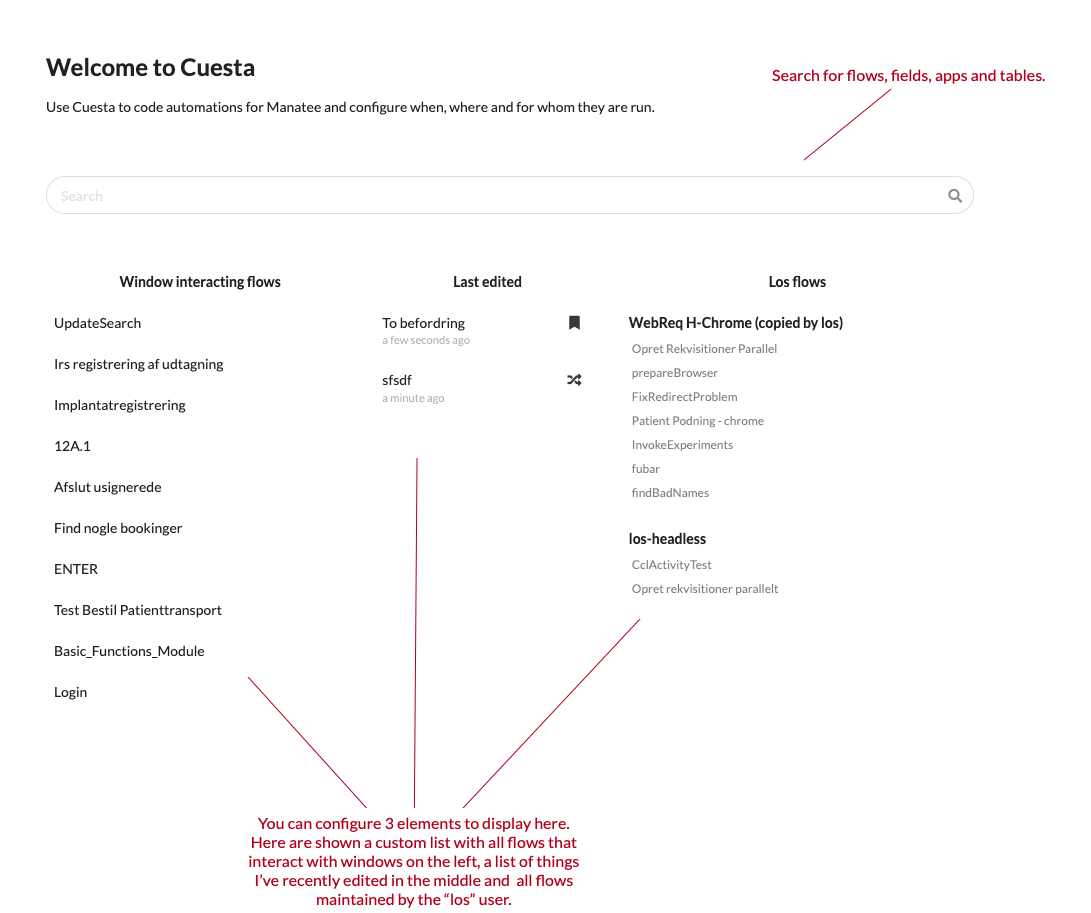
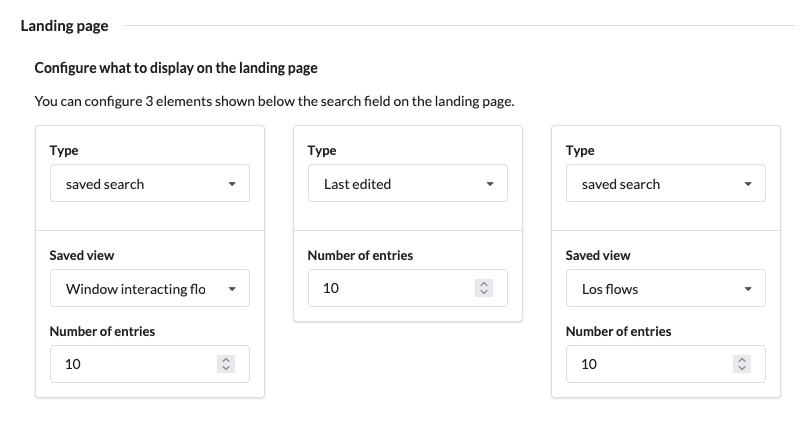
The landing page has two primary elements. The first is a search from which you can search for flows, apps, fields, groups and tables by their name. The second is a user configurable area where 3 elements can be configured to show. This is done by opening your profile picture at the top of the primary left-hand side menu, choosing Preferences, and picking the elements to display under the “Landing page” heading.