Making changes
Whenever you make changes to any part of the configuration we do our best to ensure that it is a “safe” change and that you have an option to revert it again.
Concurrent edit protection
Kwanza uses a lamport clock to ensure that the order of updates to any stored entity is preserved and that you cannot overwrite an entity without having seen the latest version beforehand. This translates to the fact that if two people edit the same thing at the same time one of these may get an error saying that their changes cannot be saved as it would overwrite the changes made by the first person. It is a safety feature and it makes editing an item concurrently safe, but it does not make it very easy to do so.
There is no merge step: Cuesta tells you the item was updated by someone else and asks you to refresh the page, and refreshing discards whatever you had not saved. If you are about to make a large edit to something another person is likely to be working on, it is worth saying so first.
History of changes
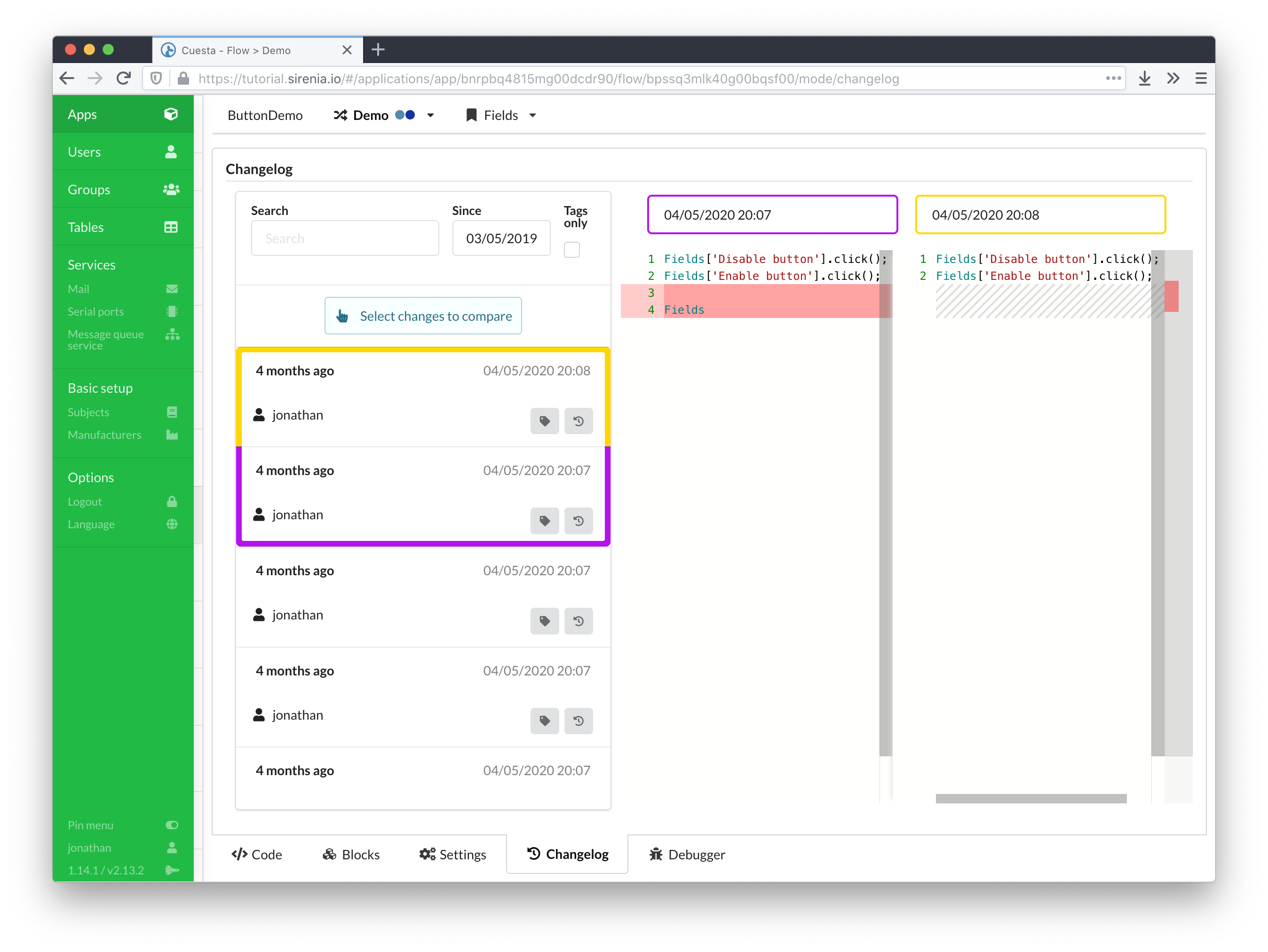
All changes are tracked in Kwanza meaning that it’s possible in Cuesta to see the history of changes made to e.g. a flow, and it is possible to revert to a previous version. For flows this feature can be accessed through the Changelog tab in the flow editor.
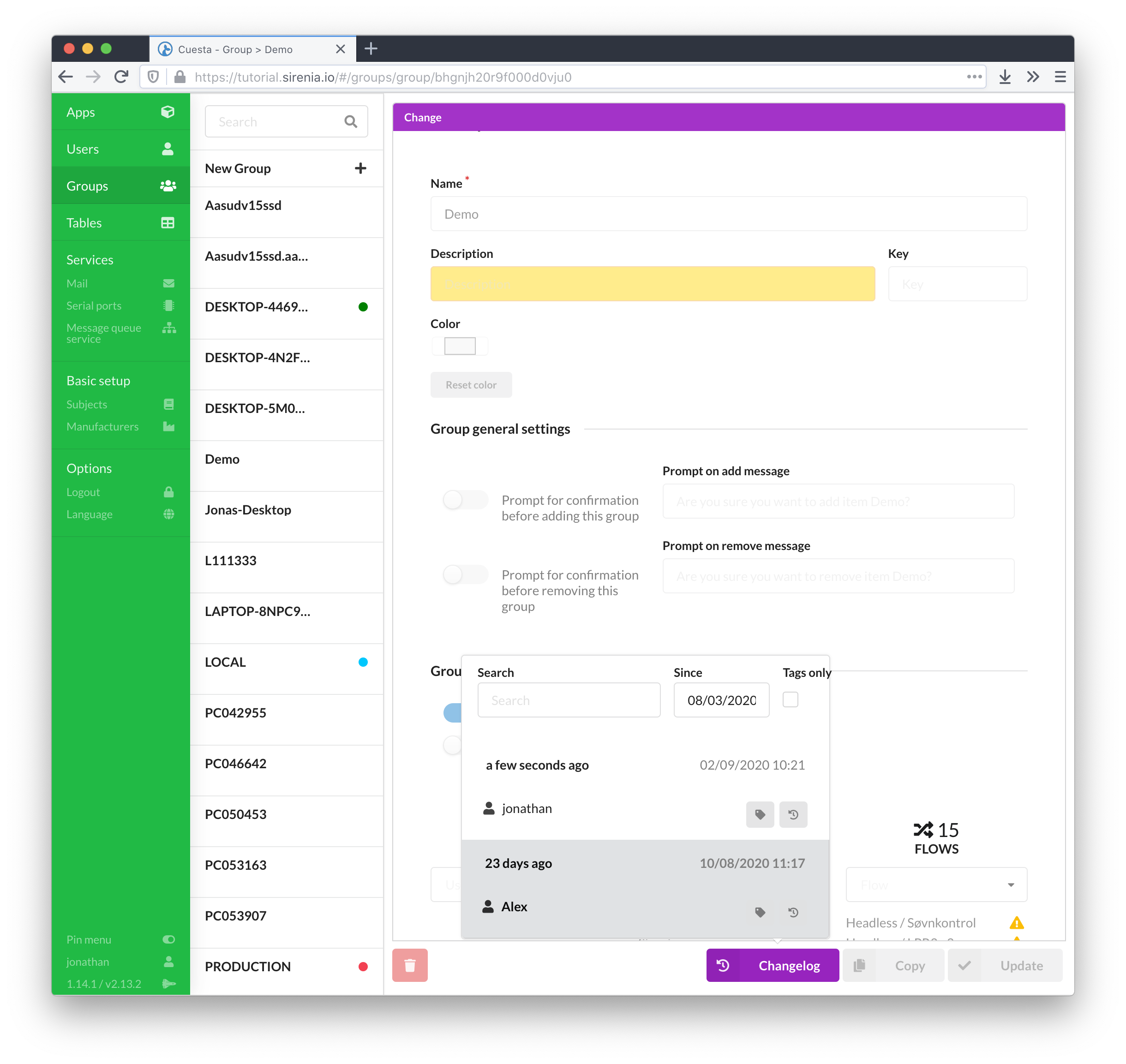
For the rest of the items such as users, groups, tables, subject, manufacturers and services the changelog is accessible through a changelog button on the item’s edit page. The button provides a list of changes, and after selection of the specific change, marks the fields which have been changed.