
Trash
When items in Cuesta are deleted, they are initially put in a trash area, from where they can be restored.
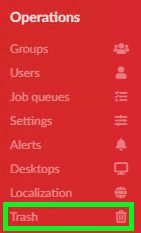
The trash area can be found under the operations menu.
In the trash area, you can select how far back to look for deleted items, and then go to the tab for them items you wish to restore. Each tab lists the deleted entries of its type. The list of entries can be sorted on name, time of deletion and the author of the deletion. A search box additionally allow you to search for names, authors and ids of deleted items.
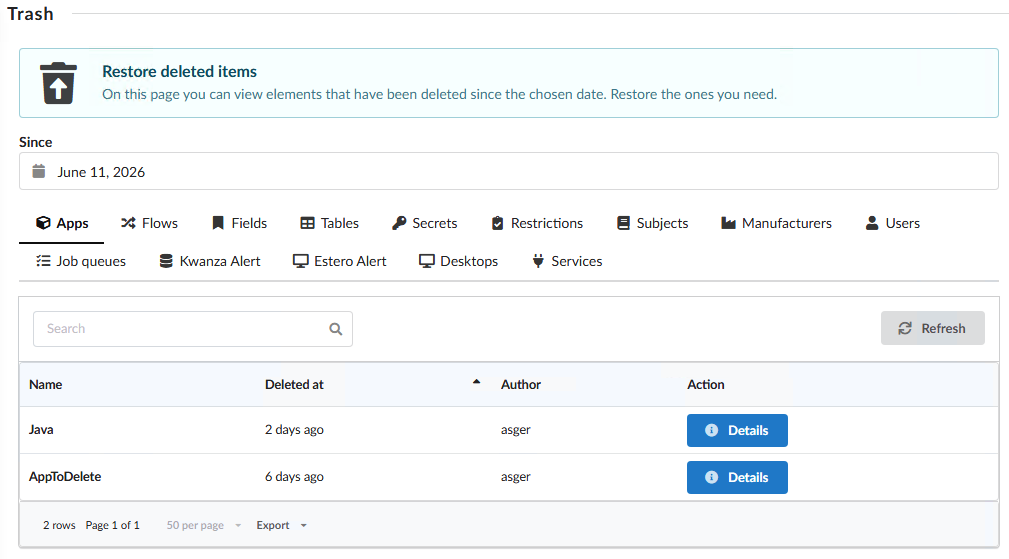
Clicking the details button opens a dialog, where you can see details of the deleted item, and can confirm restoration.
Depending on the item being restored, different information will be present in the dialog. The following shows an example dialog for a deleted application. Note that this allows to additionally choose which elements that were deleted together with the application, to restore alongside the application.
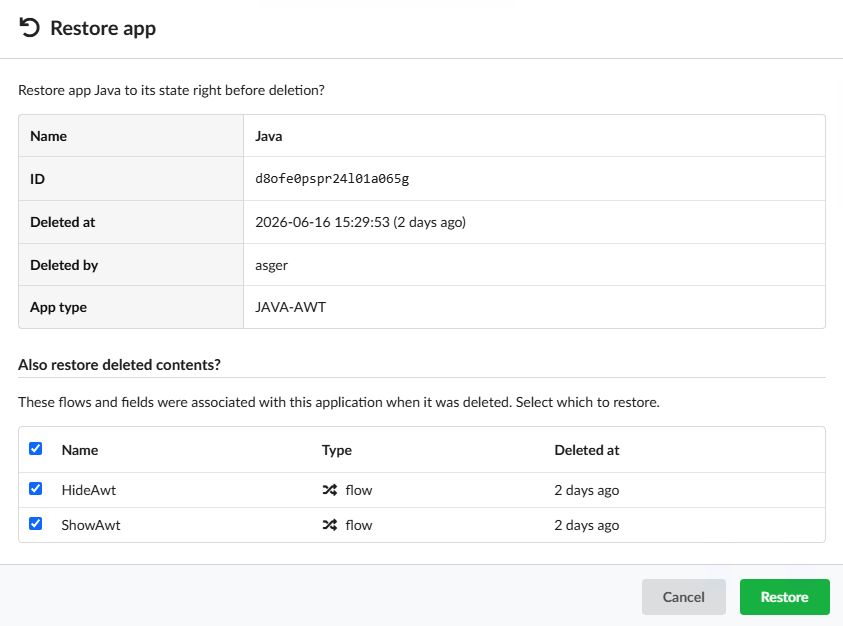
Clicking the green Restore button will restore the item, bringing it back to its previous state.
Note that restoring flows or fields that belonged to a new deleted application will also restore the application.